 ModernTimer
Rainmeter Skin
ModernTimer
Rainmeter Skin
ModernTimer
Rainmeter Skin
ModernTimer
Rainmeter Skin
ModernTimer brings refined typography, dynamic dark/light themes, compact mini mode, and seamless inline task editing directly to Rainmeter. Created by Prabhat Dutt.
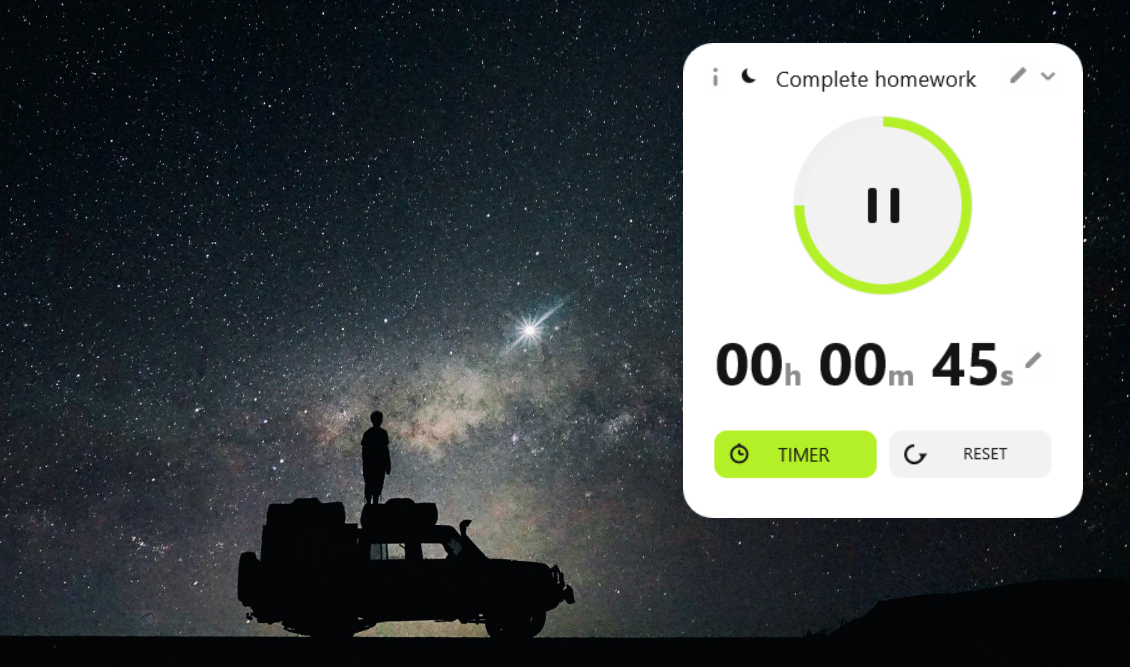
Switch instantly between a precision Countdown Timer and an incremental Stopwatch with one click.
Clean light mode designed for day setups, with a quick toggle for dark desktop wallpapers.
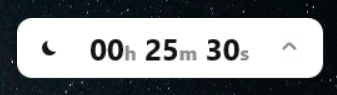
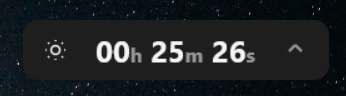
Collapse the widget into a low-profile status bar that takes minimal desktop space.
Keep your active countdown visible above open application windows and browser tabs.
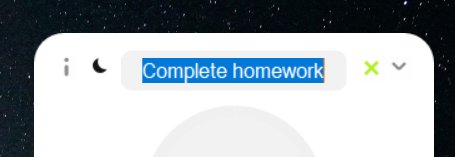
Click directly on the task title or duration numbers to customize your countdown on the fly.
Crafted with clean vector layouts using Windows native Bahnschrift and Segoe UI Variable typefaces.
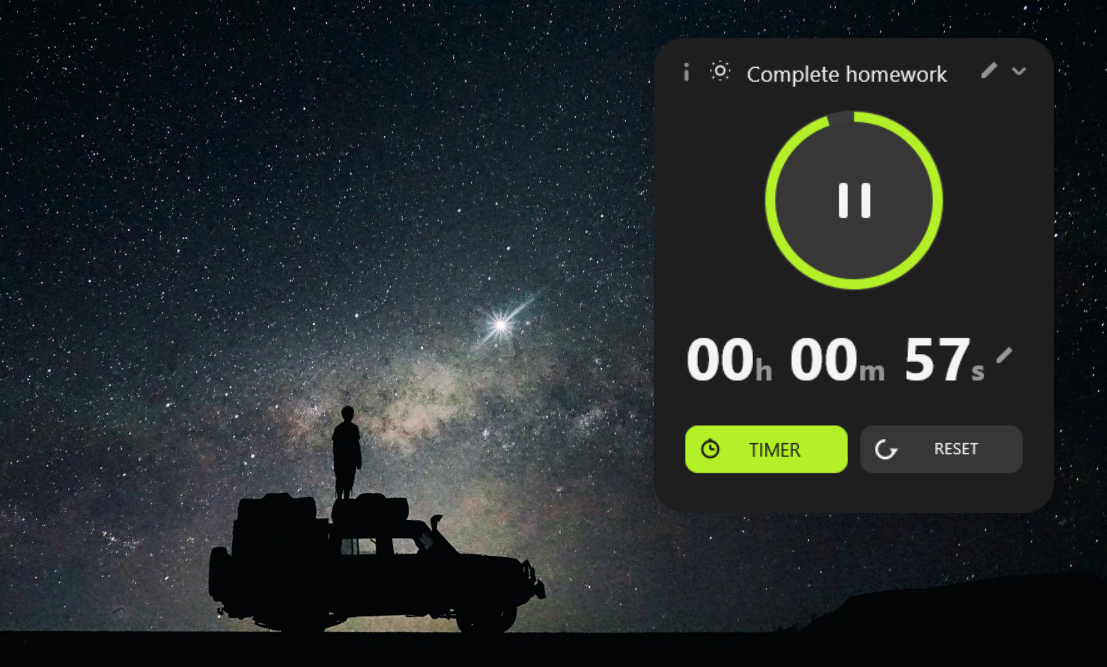
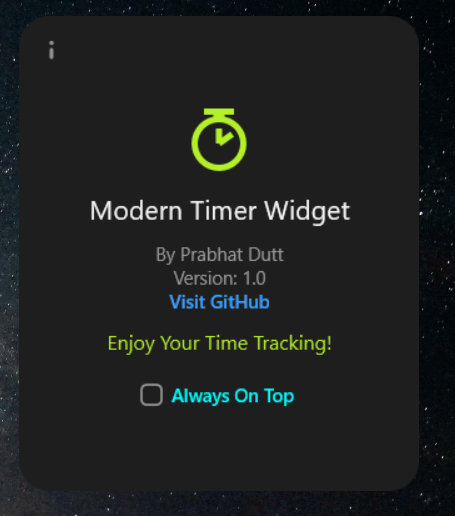
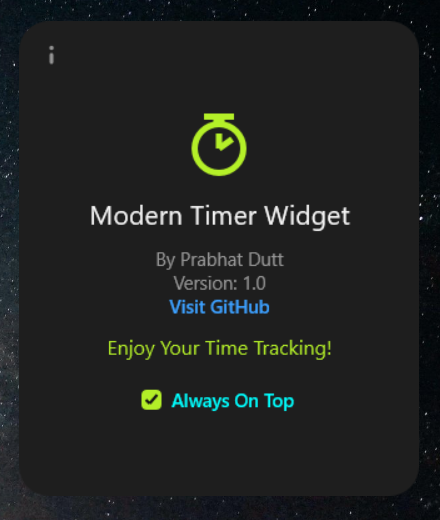
Click pencil icons to edit task titles or set custom duration (HH:MM:SS) directly on desktop.
The simplest way to install ModernTimer. Rainmeter handles configuration automatically.
Get the official ModernTimer_1.0.rmskin release package.
Double-click the downloaded file to launch Rainmeter's automated package installer.
Confirm installation. ModernTimer will immediately appear ready to use on your desktop!
Ideal for customization or setting up directly from source code.
Clone the code directly into your Rainmeter skins directory:
Right-click any active Rainmeter skin or system tray icon and select Manage.
Expand the ModernTimer folder, select TimerWidget.ini, and click Load.